
Reconciliations
What a reconciliation is
Section titled “What a reconciliation is”Reconciling means checking that two (or more) records of the same money agree: your bank statement and your cash book, a supplier’s statement and your purchase ledger, the GST portal and your purchase register. Where they agree, you are done. Where they do not, someone has to find out why.
In RefinePoint, a reconciliation (also called a process) is the saved recipe for one such check:
- which data to compare — one to four sides, each read from a data source;
- how to line records up — the matching passes, such as “same cheque number and same amount”;
- how to prove the result — the checks, such as “the balances agree”;
- how to explain and handle differences — reason codes and the workflow.
You set it up once. After that, every run applies the recipe to the latest data, by hand, on a schedule, or when a new file arrives.
The list of reconciliations
Section titled “The list of reconciliations”Reconcile → Reconciliations lists every reconciliation you can see.
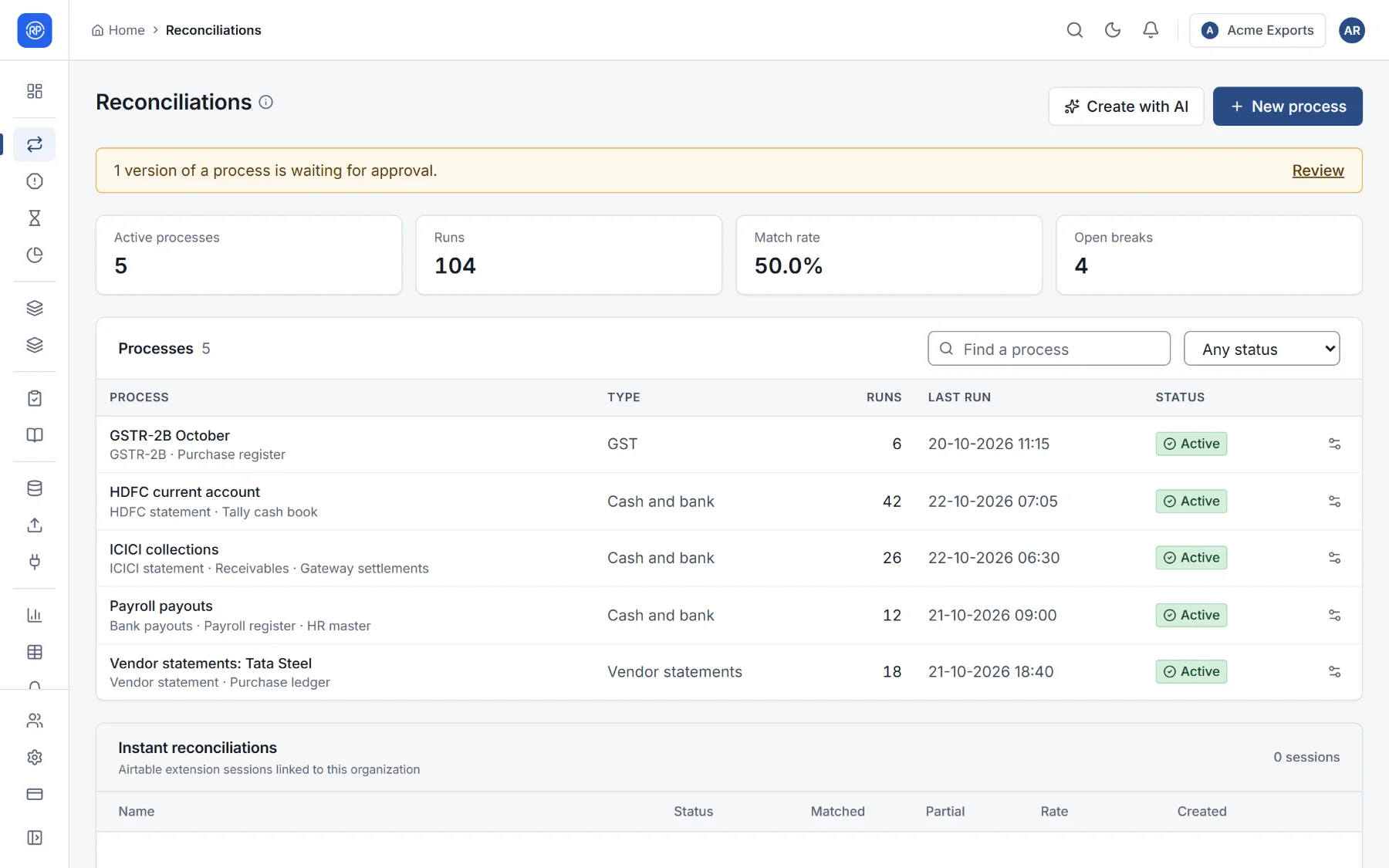
At the top, totals across the workspace: active reconciliations, runs, the match rate and open breaks. If a change to a reconciliation is waiting for someone to approve it, a banner says so with a Review link (see Versions and approval).
Each row shows:
| Column | Meaning |
|---|---|
| Process | Its name, and under it the sides it compares (for example HDFC statement · Tally cash book). |
| Type | The kind of reconciliation (Cash and bank, Vendor statements…). Its results also appear on that type’s page in the navigation. |
| Runs and Last run | How many times it has run, and when it last did. |
| Status | Active (runs as scheduled), Paused (kept, but scheduled and file-triggered runs are skipped) or Draft (not finished yet). |
Use Find a process and the status filter to narrow the list. Open a reconciliation to see its page, with its results, history, schedule and versions.
What you can do from the list
Section titled “What you can do from the list”The buttons at the end of each row (you only see the ones your role allows):
- Pause or Activate it.
- Configure it: open it in the designer.
- Move to another workspace, for example from a test workspace to the real one.
- Delete it, with its runs and results.
At the top: New process to create a reconciliation, and Create with AI to describe one in a sentence.